1
Tap Install now
Use the button on this page. Keep Safari open.
 BitgetWallet 指南
Back
BitgetWallet 指南
Back
Tap the button, then follow the steps. Use Safari on iPhone or iPad.
Open this page in Safari if you are in another browser.
Use the button on this page. Keep Safari open.
When the popup appears, tap Install, then return to the Home Screen. After it installs, go to Settings and Trust.
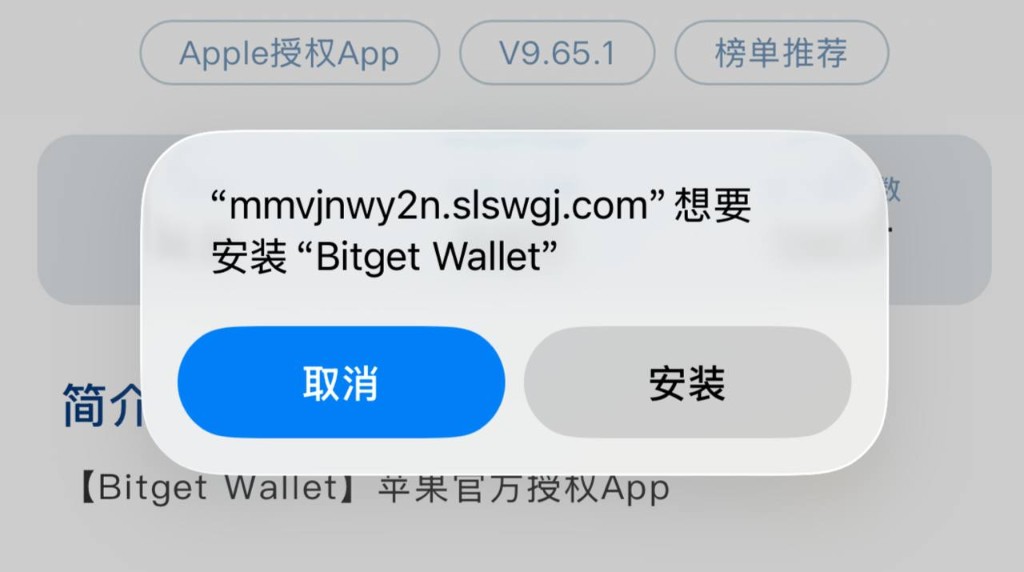
If iOS says Untrusted Enterprise Developer: Settings → General → VPN & Device Management → tap the profile → Trust → Restart → install the profile → then open the app.
Open the app and create or import a wallet. Never share your seed phrase with anyone.